Get your board ready.
Free the gear you have. Or build your own. A few copy-paste commands, and your rig runs the way you want. And there's always a way back.
Unlock your device.
Everything it needs is already there. Power ports. Radios. Plenty of
muscle. Flash Debian 13 (Trixie) arm64, add
AlpacaBridge, and see how much more it can do. Even the power ports speak
Alpaca, so your imaging software can switch them. And the stock software
is never more than a restore away.
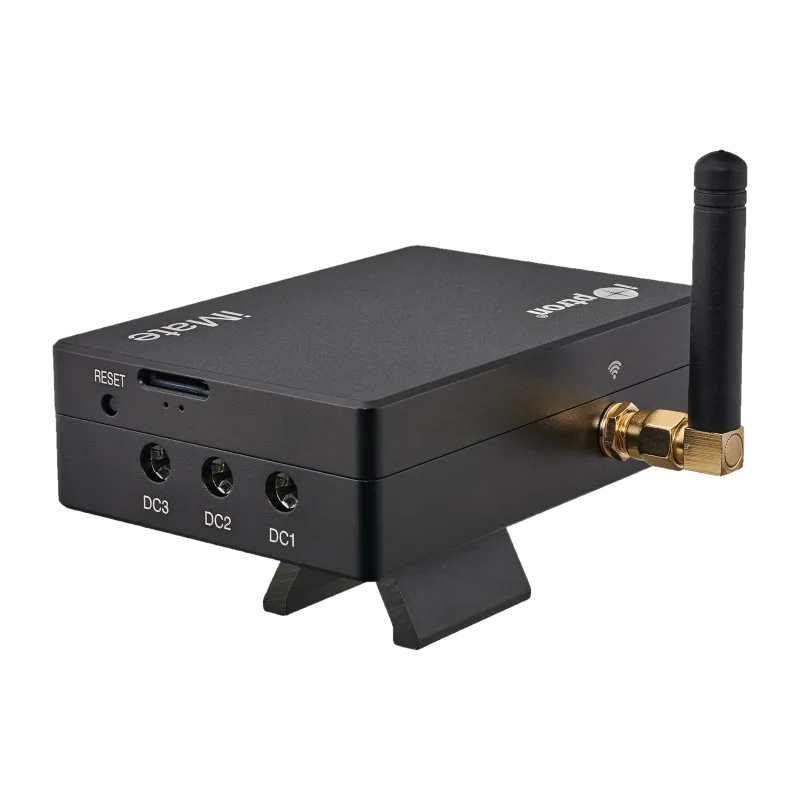
iOptron iMate
Built hand-in-hand with iOptron. Ready for OpenAstro.
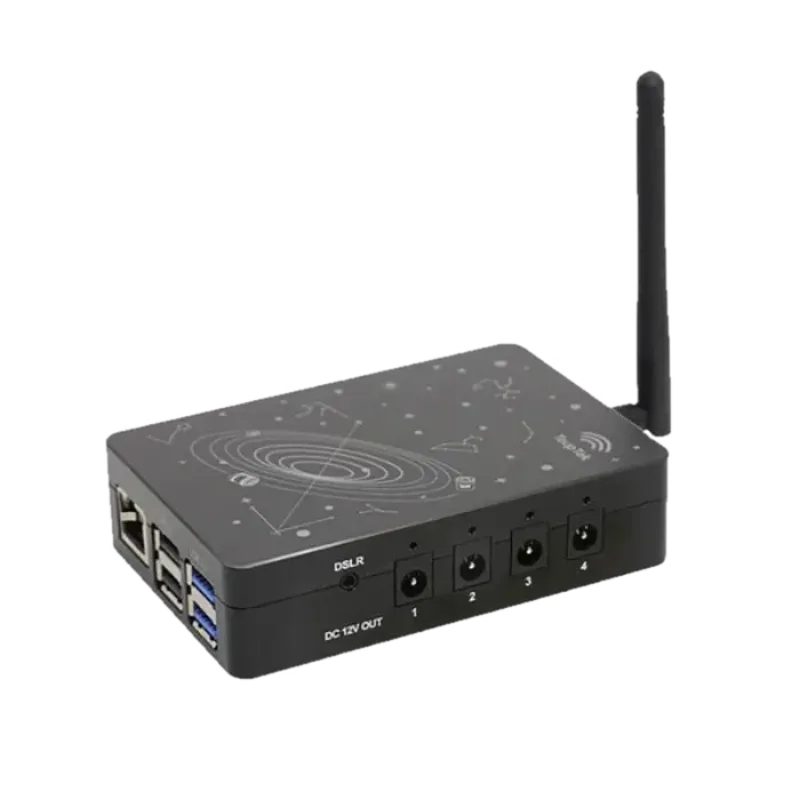
ToupTek StellaVita (Pi CM4)
Unlock your StellaVita: the same Pi CM4 inside, set free.
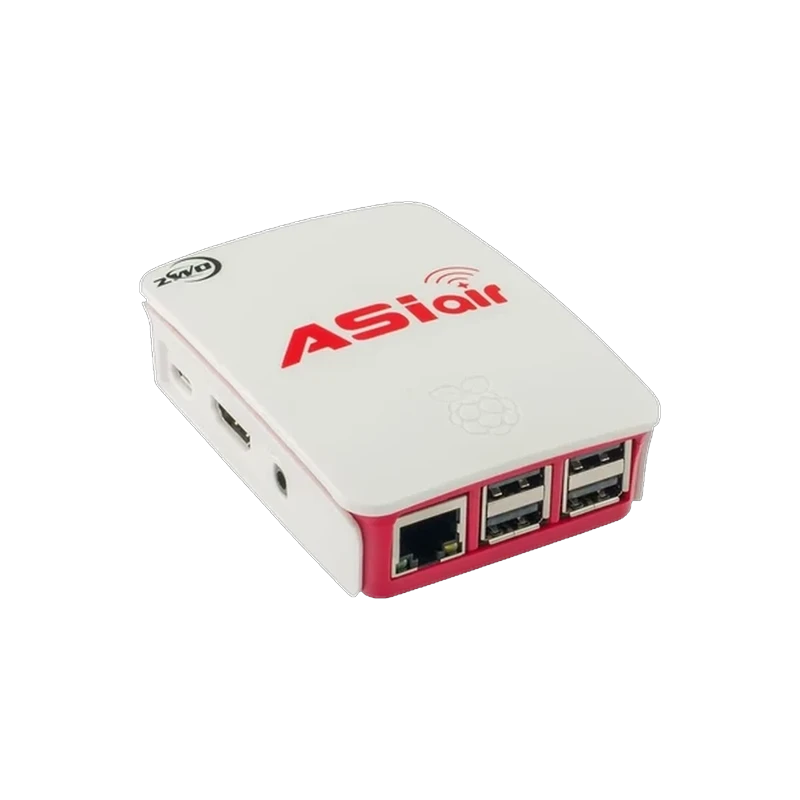
ZWO ASIAIR
The one that started it all. Flash a fresh card and keep the original.
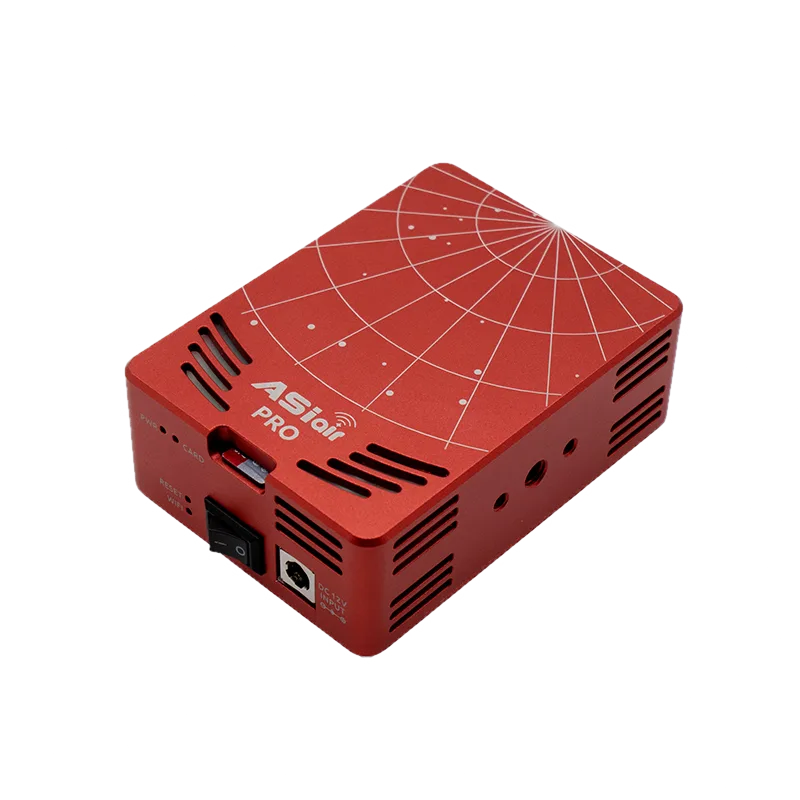
ZWO ASIAIR Pro
Second life for your Pro. It installs to a fresh card and leaves the stock card untouched.
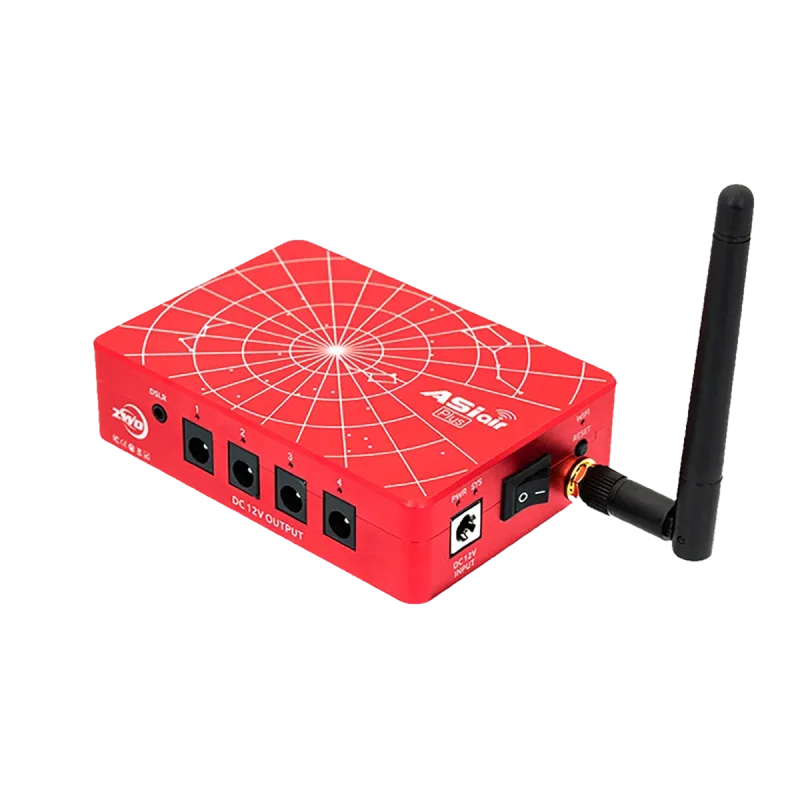
ZWO ASIAIR Plus (Pi CM4)
Second life for your Plus. Back up the eMMC, then flash.
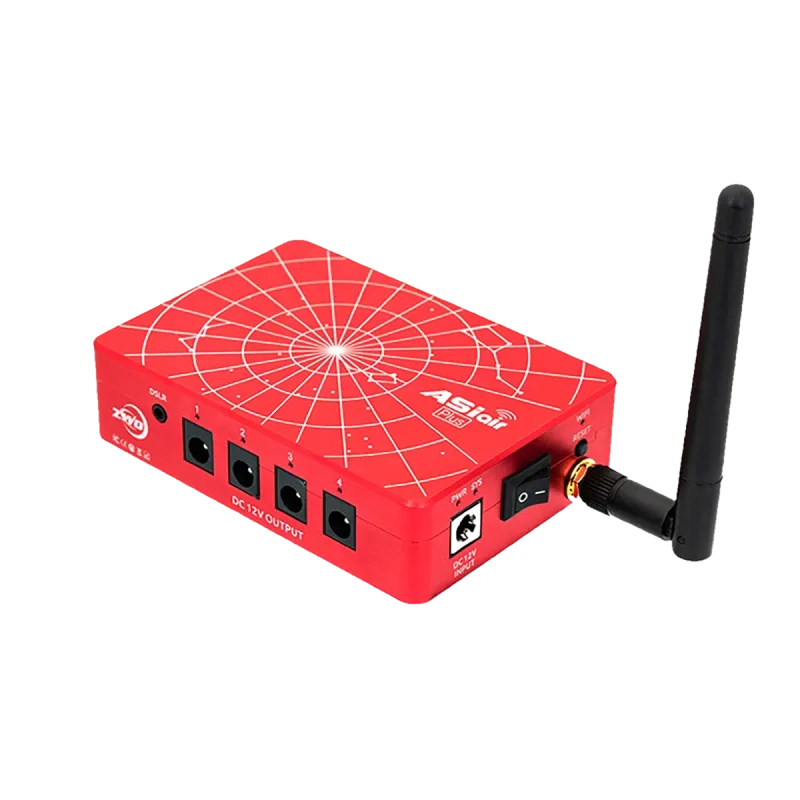
ZWO ASIAIR Plus (RK3568)
Second life for your Plus. It backs up the stock software automatically.
Build your own.
Start with a bare board. Add a power-port box, and you have the same
controller. Same flow: flash Debian 13 (Trixie)
arm64, then add AlpacaBridge.
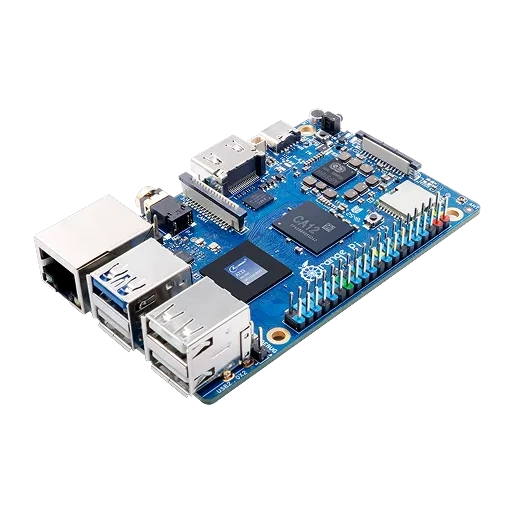
Orange Pi 4 Pro
The best value build. Faster than a Pi 4 at a lower price, with a ready-made image. Flash it and boot.
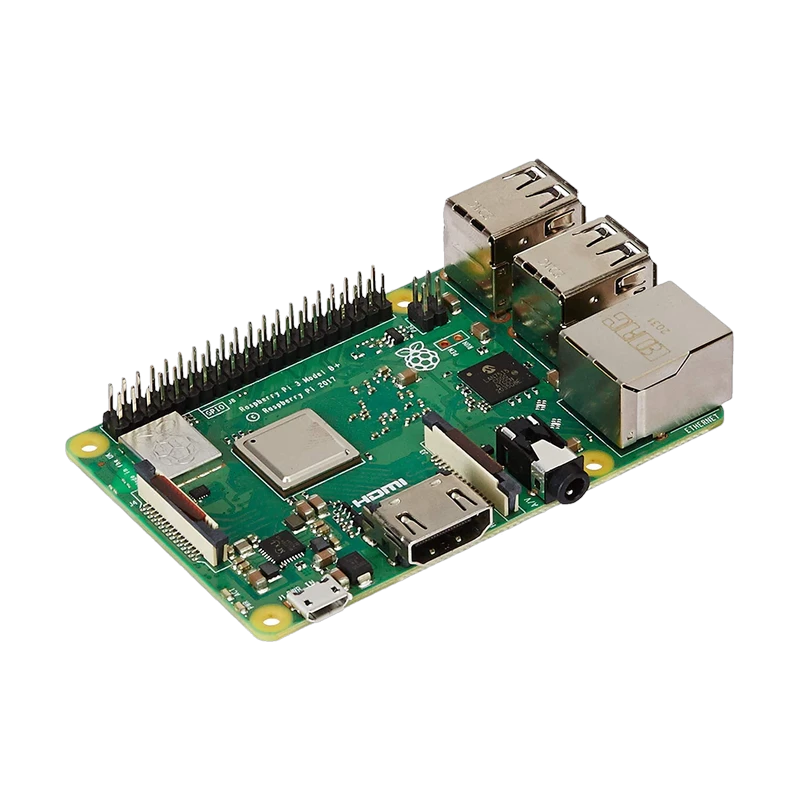
Raspberry Pi 3B+
The budget build. USB 2.0 only, so camera downloads take longer.
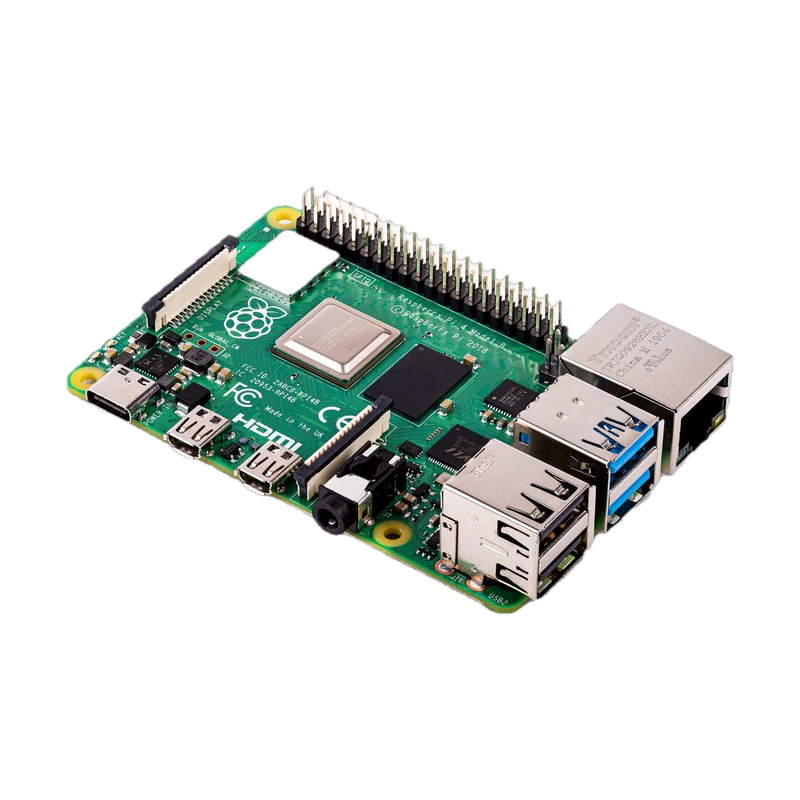
Raspberry Pi 4
The classic build. USB 3.0 speed on power any mount can supply.
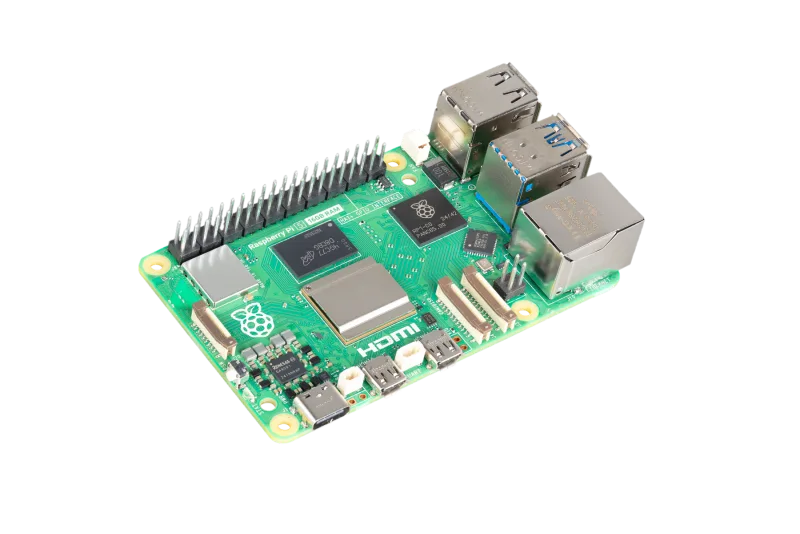
Raspberry Pi 5
The fastest build. Bring a 5V/5A supply to feed it.
Other Rockchip and OrangePi arm64 boards running Debian 13 work
with the standard Raspberry Pi instructions.