Astrophotography, everywhere.
One app, one workflow, the same experience on Linux, macOS, and Windows. Ara was designed hand in hand with the ASCOM Alpaca API. Alpaca isn't a driver it loads; it's the language it thinks in. So Ara connects straight to your AlpacaBridge device over the network. Set up at the scope, image from whatever machine is in front of you.
Why Ara
Truly cross-platform
Linux, macOS, and Windows. All first-class, all the same workflow.
Alpaca-native
Discovers and connects to your gear over the network automatically.
Free and open source
Build from source for free, with Ara Pro coming for those who want it ready to go.
A Quick Tour
Plan your night
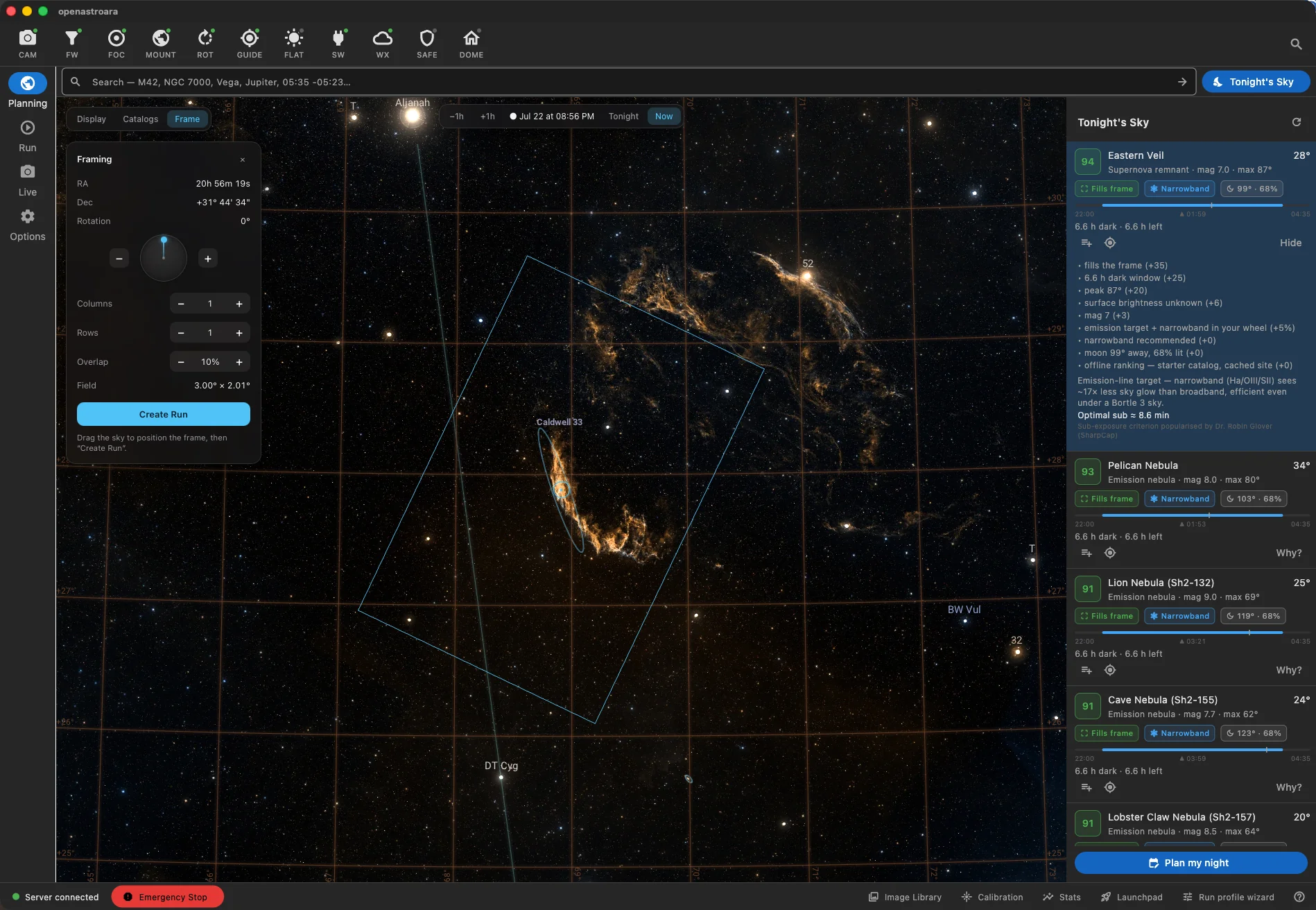
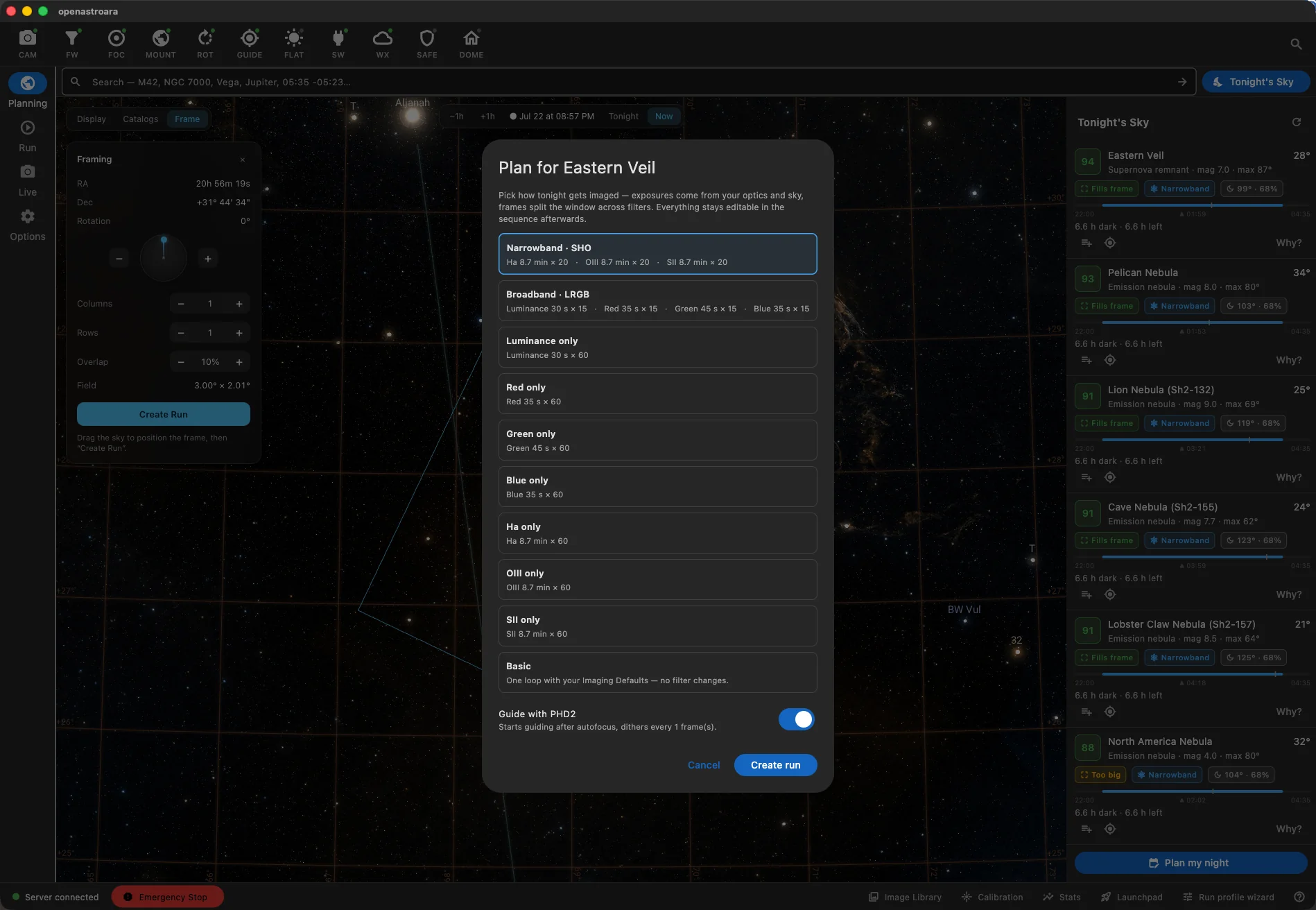
Tonight's Sky ranks every target for your sky, gear, and dark window, and shows its work, from altitude and moon separation to whether the object fills your frame. You don't have to wait for dark, either. Plan at lunch, at work, or days ahead: Ara simulates tonight's sky for your site, and the runs you build are saved and ready to fire when night falls. Pick a target, and Ara offers ready-made exposure plans computed from your optics and sky:
Build readable sequences
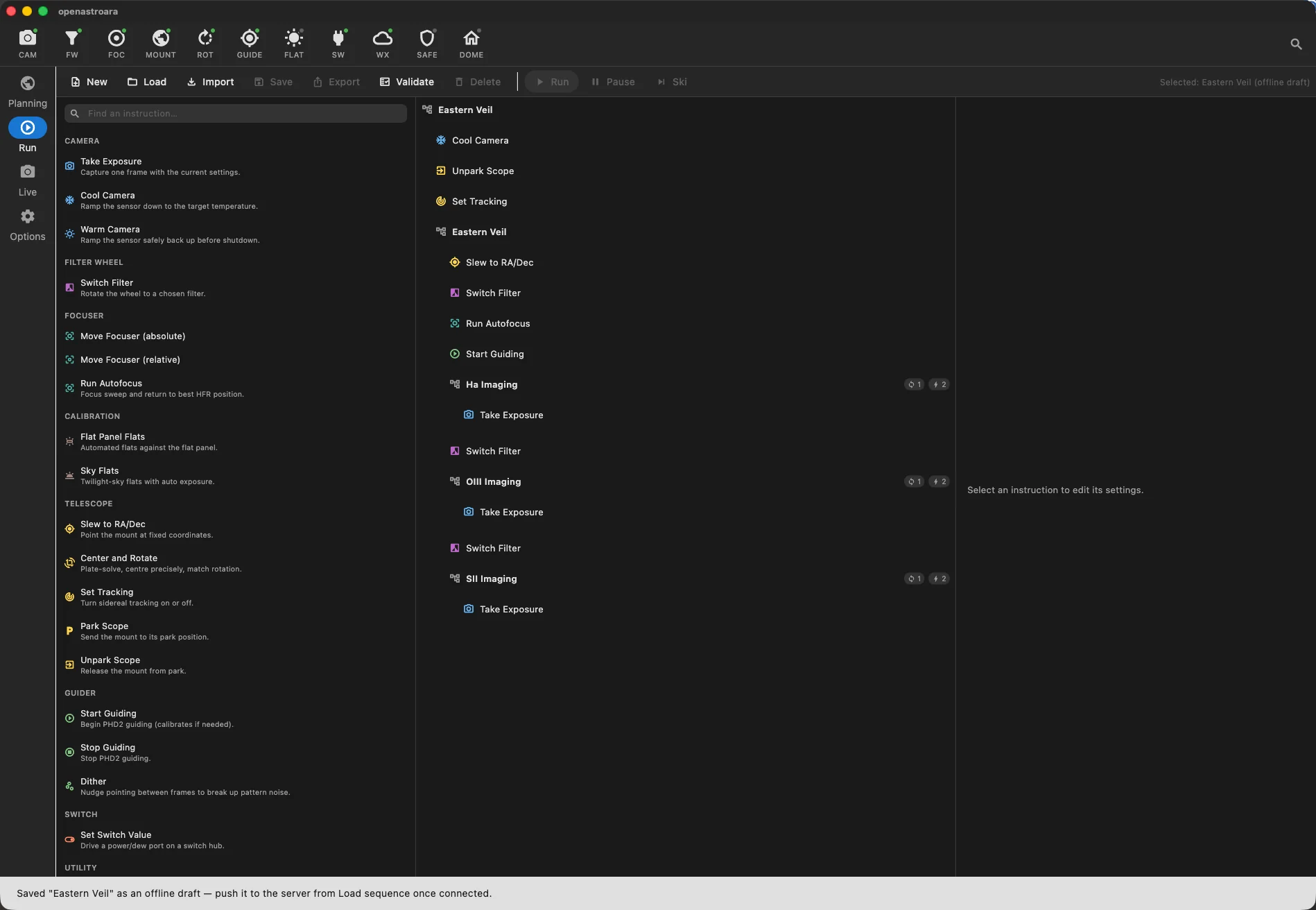
Every run is a sequence of visible instructions: cool the camera, unpark, slew, autofocus, guide, image through each filter. Rearrange, validate, and save. No hidden state. You stay in control while it runs, too. Pause a sequence mid-run and pick up where you left off, or skip an instruction. Clouds rolled in during OIII? Jump ahead without abandoning the rest of the night:
Ara imports N.I.N.A. JSON sequence files (N.I.N.A. 3.2 and later). Use Import in the sequence editor and keep the runs you've already built.
Control every device
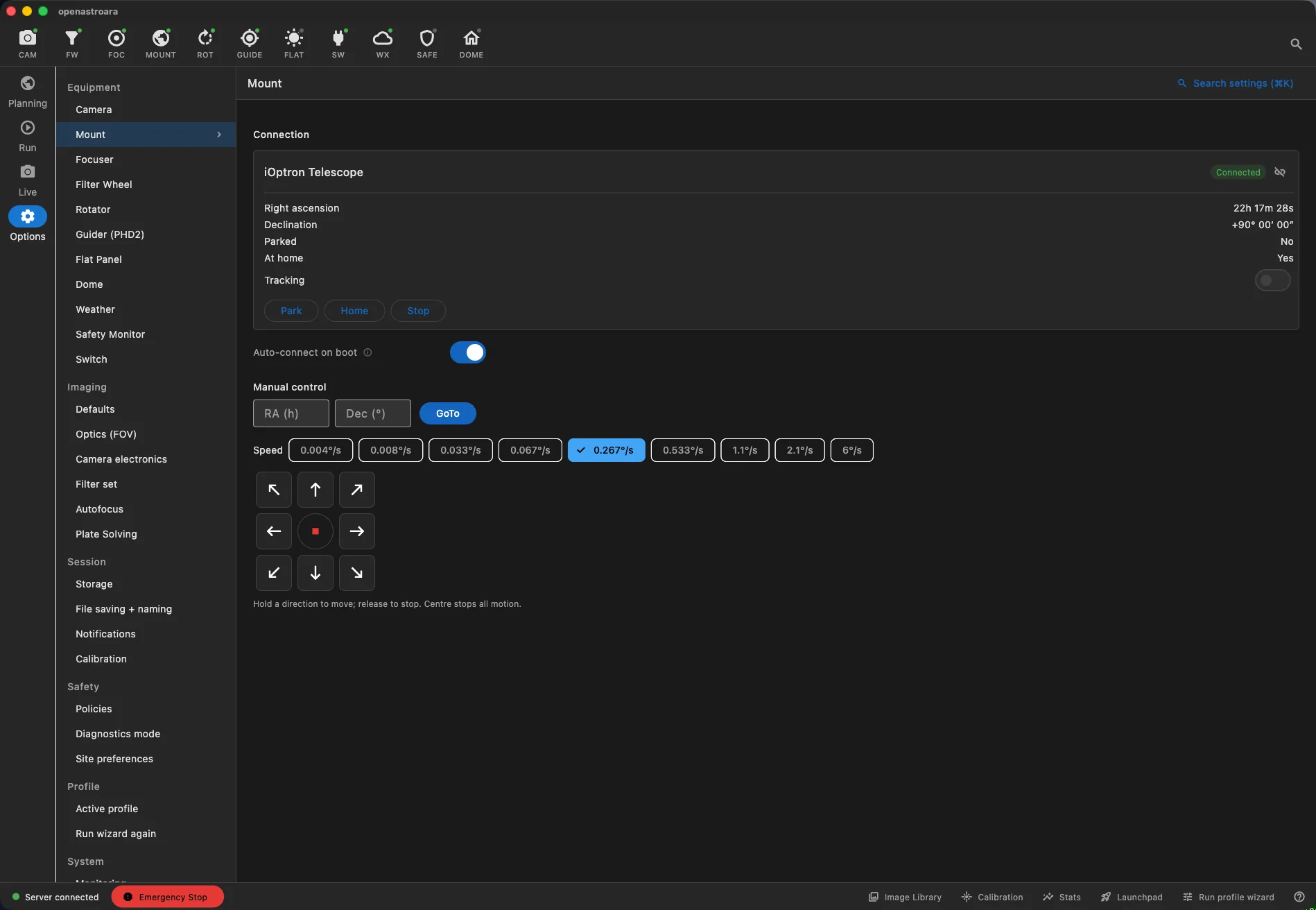
Mount, camera, focuser, filter wheel, rotator, flat panel, dome, weather, safety monitor, switches. Each gets a full settings page with live status, manual controls, and auto-connect on boot:
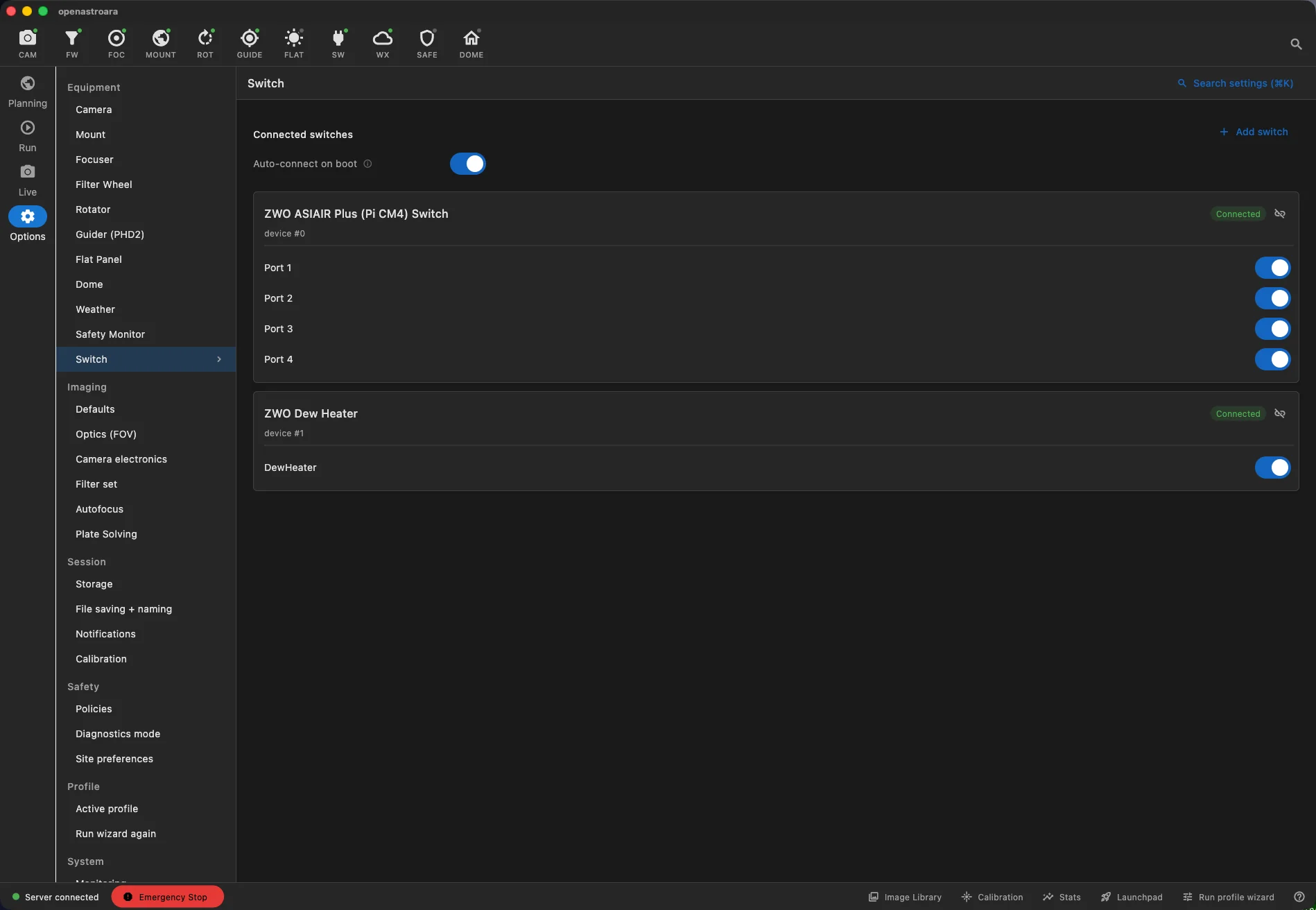
Most imaging apps only let you control one switch device at a time. Ara connects to multiple switch devices at once. Run your power box and dew-heater controller side by side, each with its own ports and toggles.
Track every session
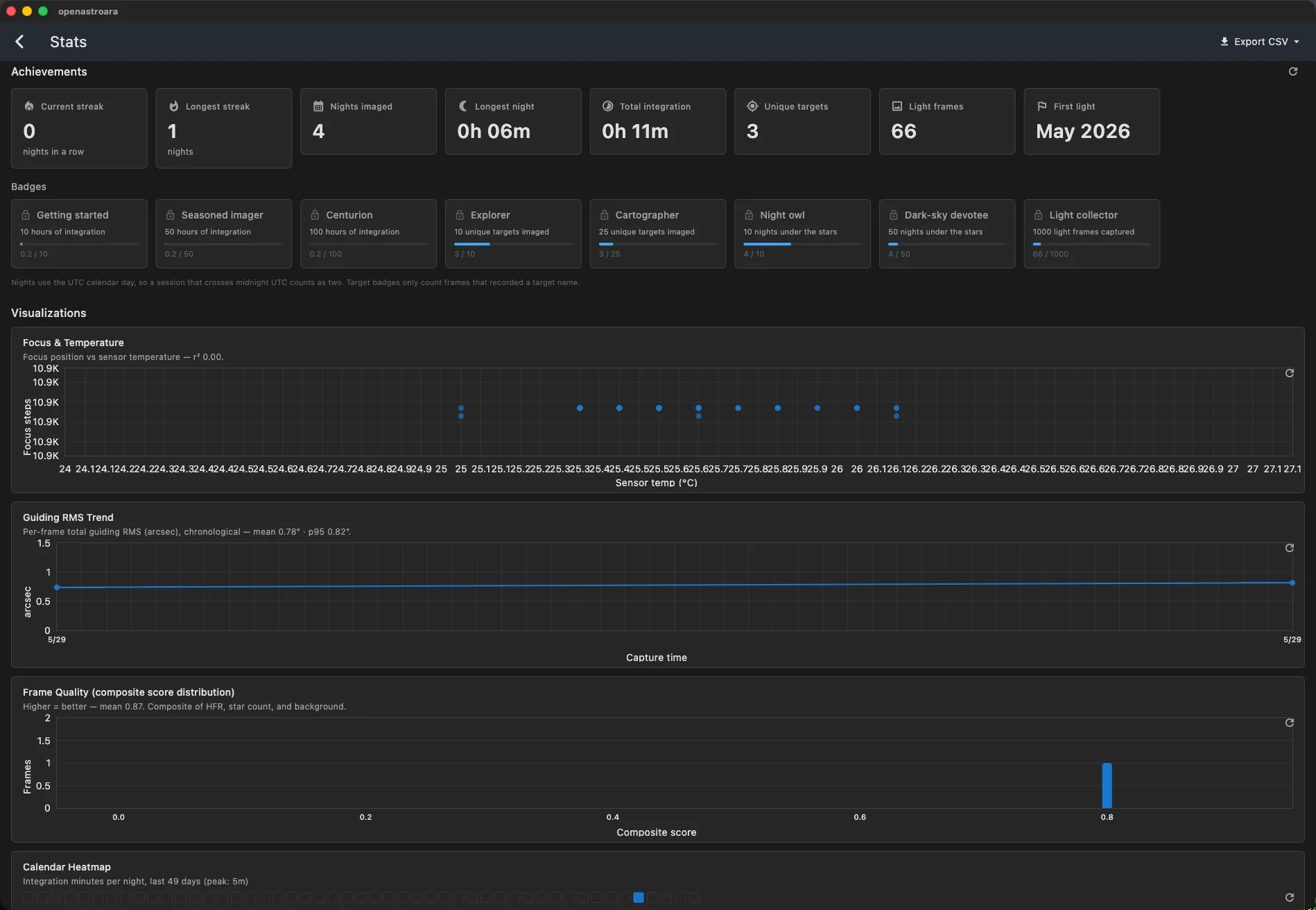
Ara keeps score of your imaging life: nightly streaks, achievement badges, total integration, and per-session analytics like focus vs. temperature, guiding RMS trends, frame quality, and a calendar heatmap. Export it all to CSV whenever you want:
Find anything, instantly
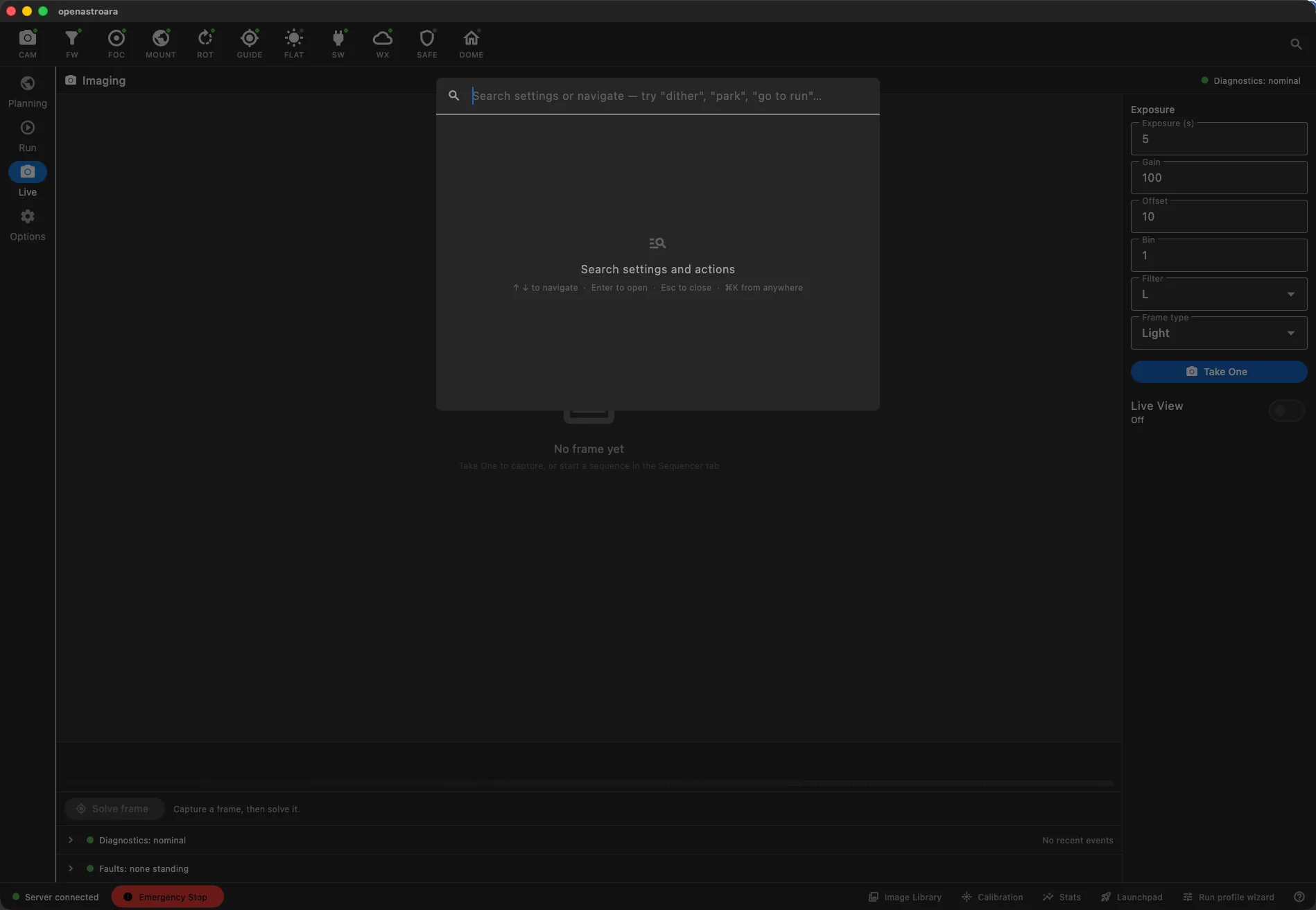
No digging through menus with a red headlamp on. Hit ⌘K on macOS or Ctrl+K on Linux and Windows, anywhere in Ara, and type what you're after: "dither", "park", "go to run". Jump straight to any setting or action:
Getting Started
Ara is in active development and step-by-step guides are being written. Sign up on the Ara Pro page and we'll email you when it launches.